
The best car usb c charger for iphone is the one that matches how you actually drive: quick errands vs long commutes, one phone vs a full car, and whether you need MagSafe or just a solid cable charge.
Most people don’t struggle because “USB-C is confusing,” they struggle because chargers look similar but behave differently in the real world, one runs hot, one shares power poorly, one won’t fast-charge when you plug two devices in.
This guide narrows it down in a practical way, what specs matter for iPhone fast charging, what to ignore, and a short list of reliable charger “profiles” you can shop for without overthinking.
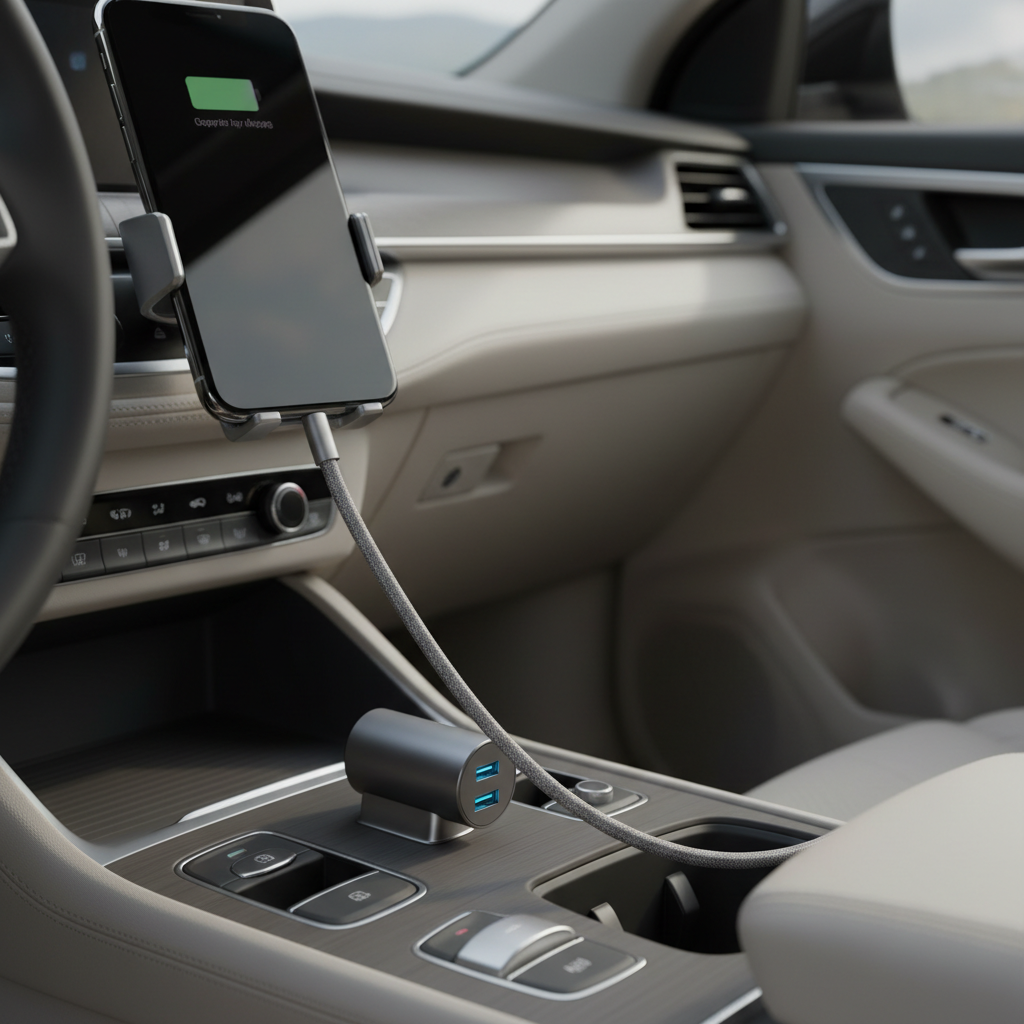
What “best” means for an iPhone car USB-C charger
For iPhones, “best” usually boils down to three things: fast charging support, stable power under load, and basic safety protections so the charger doesn’t cook itself in July traffic.
According to Apple Support, iPhone fast charging works with a USB-C Power Delivery (USB-PD) charger and a compatible cable, and many models can charge to around 50% in about 30 minutes under the right conditions. The car charger is just the power source, the PD part matters.
- USB-PD output: Look for PD clearly stated, not just “fast charge.”
- Enough wattage: 20W is a safe target for iPhone fast charging, 30W gives breathing room.
- Port mix: USB-C only, or USB-C plus USB-A for older cables and passengers.
- Thermal and electrical protections: Over-current, over-voltage, temperature control.
Key specs to look for (without getting lost)
Specs can feel like alphabet soup, but you can sanity-check a charger in under a minute.
USB-C PD: non-negotiable if you want real fast charging
For the best car usb c charger for iphone, PD is the line in the sand, because it lets the iPhone negotiate higher power safely. If a listing never says PD, assume it’s basic charging unless proven otherwise.
Wattage: 20W to 30W covers most iPhone needs
In many cases, 20W is enough to trigger iPhone fast charging. If you drive with navigation, music streaming, and screen on, 30W tends to hold speed better, especially in older vehicles where voltage can dip at idle.
Dual-port behavior matters more than “total watts”
A charger advertised as “60W” might split power across ports, and the iPhone port may drop when you plug in a second device. Look for per-port ratings like “USB-C1: 30W, USB-C2: 30W” or at least a clear power-sharing chart.
Cable compatibility: don’t let the cable ruin the whole setup
If your iPhone uses USB-C (iPhone 15 series and later), a USB-C to USB-C cable rated for PD is typical. If your iPhone uses Lightning (iPhone 14 and earlier), you’ll usually want a USB-C to Lightning cable that supports fast charging, often described as MFi-certified in many product listings.
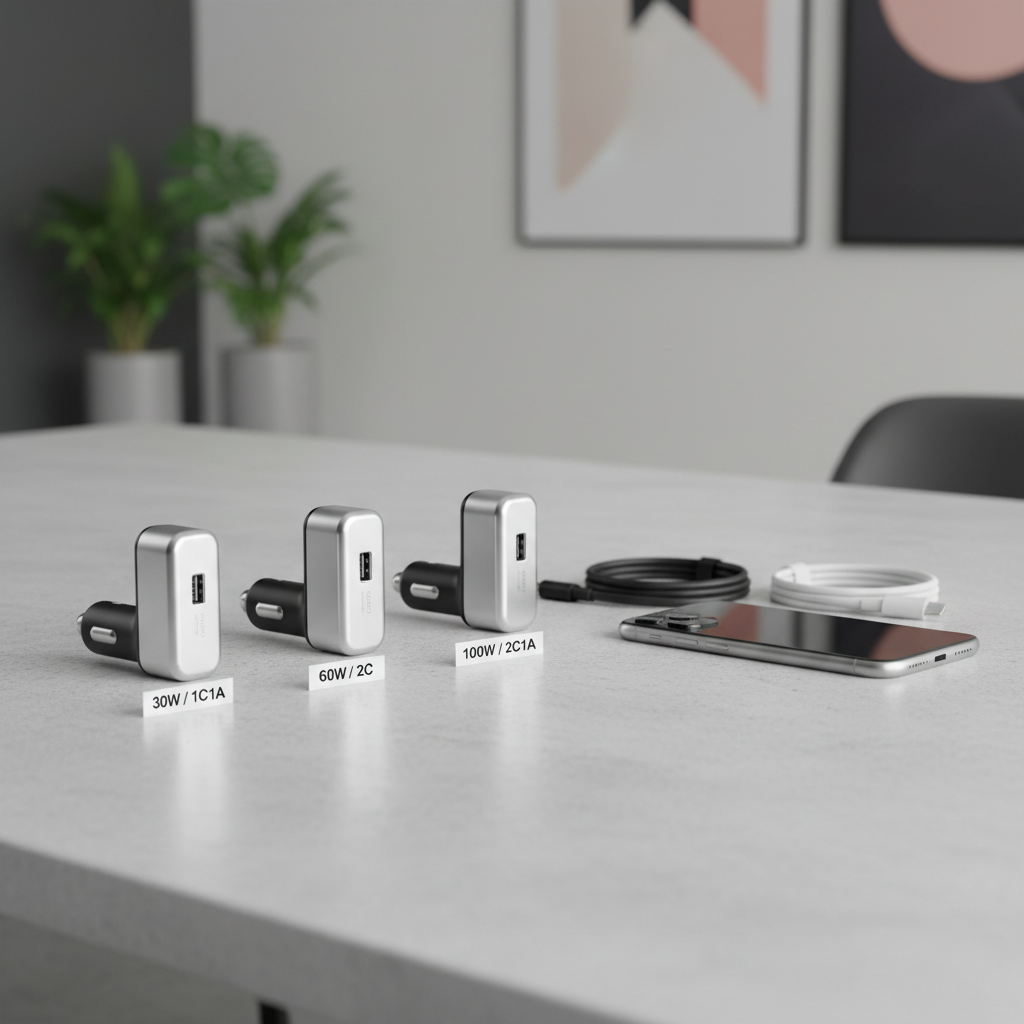
Quick comparison table: pick the right charger profile
Instead of chasing a single “#1,” this table maps common needs to the spec combo that usually works best.
| Driver situation | What to buy | Why it works | Watch-outs |
|---|---|---|---|
| Solo driver, wants fastest iPhone top-ups | 1x USB-C PD port, 20–30W | Simple, stable output for iPhone fast charging | Make sure your cable supports PD |
| Two people charging (iPhone + another phone) | 2 ports (USB-C + USB-C or USB-C + USB-A), 40–60W total | Less fighting over power, better sharing | Confirm per-port wattage when both ports used |
| Family car: multiple devices, mixed cables | USB-C PD + USB-A, reputable brand, clear protections | Compatibility for older accessories | Avoid no-name “QC only” chargers for iPhones |
| Ride-share or road trips with heavy use | Dual USB-C PD, 30W+ per main port | Holds charge speed under constant load | Heat management becomes more important |
Self-check: are you actually getting fast charging in the car?
A lot of “my charger is slow” problems come from one missing piece. Run this quick check before you replace everything.
- Does the charger say USB-PD? If not, fast charging may never kick in.
- Is your cable the bottleneck? Old, thin, or unknown cables often cap power.
- Are you charging two devices at once? Power sharing can drop iPhone speed.
- Is your phone hot? iPhones may slow charging when temperature rises.
- Are you using wireless CarPlay + charging? Extra heat plus constant radio use can reduce speed.
If you want a quick “feel test,” start navigation, set screen brightness mid-high, and plug in. If battery percent barely moves on a 20–30 minute drive, something in the chain probably limits power.
Recommended features that are worth paying for
You don’t need a charger with ten buzzwords, but a few features tend to make the difference between “fine” and “I trust this daily.”
- Stable PD output with clear labeling (example: PD 30W)
- Compact fit so it doesn’t wiggle loose on bumpy roads
- Good heat handling (metal body can help, but design matters more than material)
- LED indicator that’s subtle, bright cabin lights at night get annoying fast
- Reputable certifications and transparent specs, vague listings usually signal corner-cutting
According to NHTSA, loose items and distractions can increase driving risk, so it’s worth choosing a charger that fits flush and doesn’t force you to fuss with cables while driving.
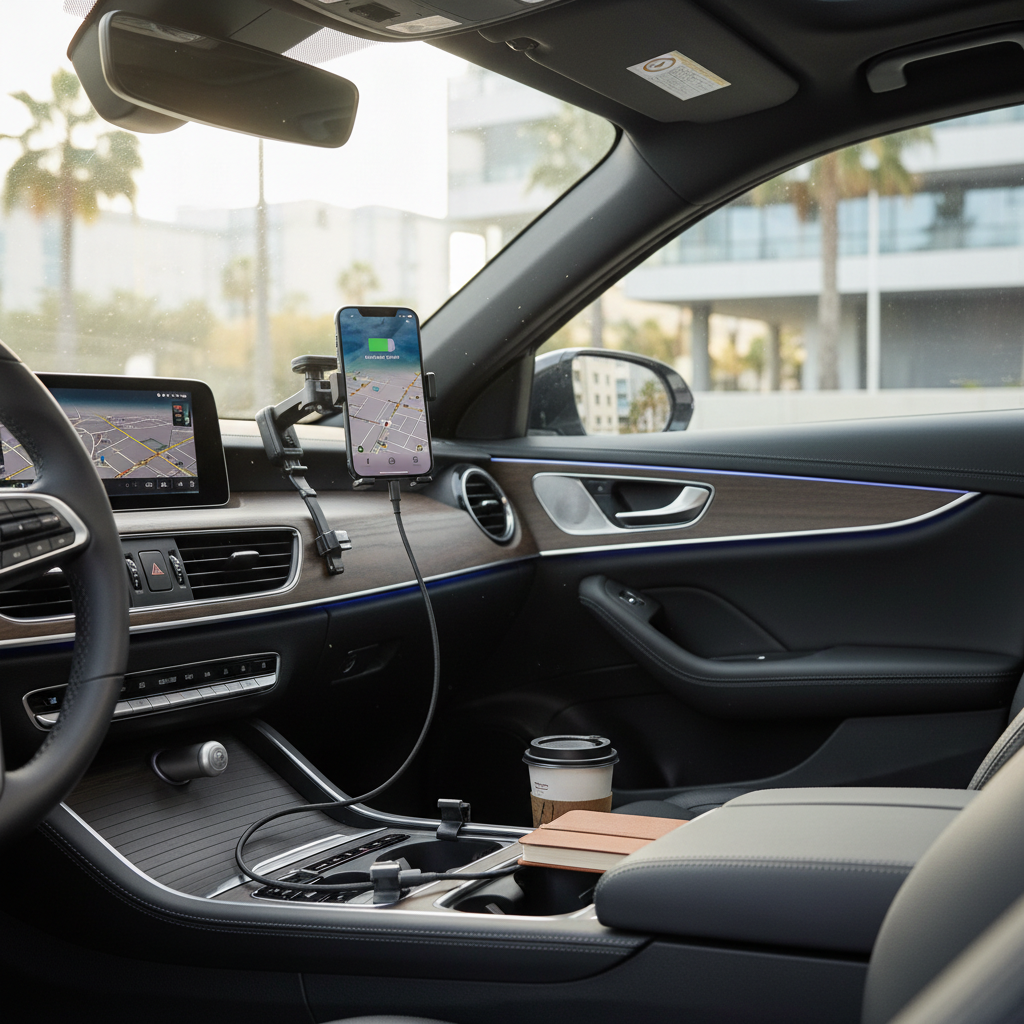
Real-world buying advice (the stuff listings don’t tell you)
Heat is the silent performance killer. In hot climates, chargers that run warm may throttle or fail early. If your car cabin gets brutal in summer, lean toward a slightly higher-wattage PD charger so it works less hard for the same iPhone charge rate.
Don’t overbuy watts if you only charge an iPhone. A 100W car charger is useful if you charge a laptop, but for iPhone-only driving, many people pay extra and gain almost nothing.
Pay attention to port placement. In some vehicles, a chunky charger blocks another socket or interferes with the shifter area. “Low profile” matters more than you think.
Expect speed to vary. iPhone charging rate can taper as the battery fills, and it can slow when the phone heats up. That’s normal behavior, not always a charger issue.
Step-by-step: how to set up fast, reliable charging in your car
If you want a clean setup that just works, this sequence avoids most mistakes.
- Step 1: Pick a USB-C PD charger with 20–30W on the port you’ll use for the iPhone.
- Step 2: Match the cable to your iPhone model: USB-C to USB-C for iPhone 15 series, USB-C to Lightning for older iPhones.
- Step 3: If you often charge two devices, choose a dual-port charger with clear per-port output, not just “total.”
- Step 4: Mount the phone first, then route the cable, so it doesn’t dangle near the shifter or pedals.
- Step 5: On long drives, keep the phone out of direct sun, you’ll usually get steadier charging.
Once it’s set, you should be able to plug in and forget about it, which is the whole point of calling something the best car usb c charger for iphone in daily life.
Common mistakes to avoid
- Buying “fast charge” without PD: Many chargers use older fast-charge standards that don’t help iPhones much.
- Using a random cable from a drawer: A weak cable can cap charging or cause disconnects.
- Overloading one socket with splitters: It can introduce voltage drops and heat; if you need more ports, buy a proper multi-port charger.
- Ignoring looseness: If the charger wiggles, bumps can interrupt charging and wear the socket.
- Chasing max wattage: For iPhone charging, consistency usually beats bragging rights.
When it’s worth getting professional help
If your 12V socket feels loose, smells hot, or stops working intermittently, it’s smarter to have a mechanic inspect it. Electrical issues in a vehicle can be unpredictable, and a charger upgrade won’t fix a worn socket or wiring problem.
If you use aftermarket power inverters or hardwired USB outlets, installation quality matters, and you may want a professional installer to check grounding and fuse ratings.
Conclusion: how to choose with confidence
If you only take one thing from this guide, make it this: buy a USB-C PD car charger with honest per-port wattage, then pair it with a good cable. That combo solves most “slow car charging” complaints without spending extra on features you won’t use.
Action idea for today: check your current charger for “PD” labeling and the watt rating, then decide whether you need a simple 20–30W single-port upgrade or a dual-port model that shares power well.
Key takeaways
- USB-PD matters more than marketing terms.
- 20–30W per iPhone port is a practical target for fast charging.
- Dual-port chargers vary widely, look for per-port ratings.
- A solid cable often makes the difference between “fine” and “fast.”
FAQ
- What watt car charger do I need for iPhone fast charging?
Many iPhones can fast-charge with a 20W USB-C PD output, and 30W often feels more consistent when you run navigation and music at the same time.
- Is USB-C PD better than QC for iPhone?
In most cases, yes, because iPhones commonly rely on USB Power Delivery for fast charging. A QC-only charger may charge, but not always at the speed you expect.
- Why does my iPhone charge slower in the car than at home?
Car charging can slow if the charger lacks PD, if power is shared across ports, or if the phone warms up from sunlight, wireless CarPlay, or a high screen brightness.
- Do I need a USB-C to Lightning cable for older iPhones?
If your iPhone has a Lightning port, a USB-C to Lightning cable is the usual route for PD fast charging. The cable quality matters, so stick to reputable options.
- Can a car USB-C charger damage my iPhone battery?
Quality chargers with proper protections are designed to negotiate power safely, but low-quality hardware can be inconsistent. If you notice excess heat or odd behavior, stop using the charger and consider replacing it.
- Does charging two phones at once slow down iPhone charging?
Often, yes. Many dual-port chargers reduce output per port when both are active, so you’ll want a model with clear power-sharing specs if that’s your normal setup.
If you’re trying to keep car charging simple, start by picking a PD charger profile from the table, then match the cable to your iPhone model. If you’d rather avoid trial and error, look for brands that publish per-port output and safety features clearly, it usually saves time and returns.